
See how Tokyo Coding Club students are putting their skills to the test! These projects showcase real-world application of everything they’ve learned.
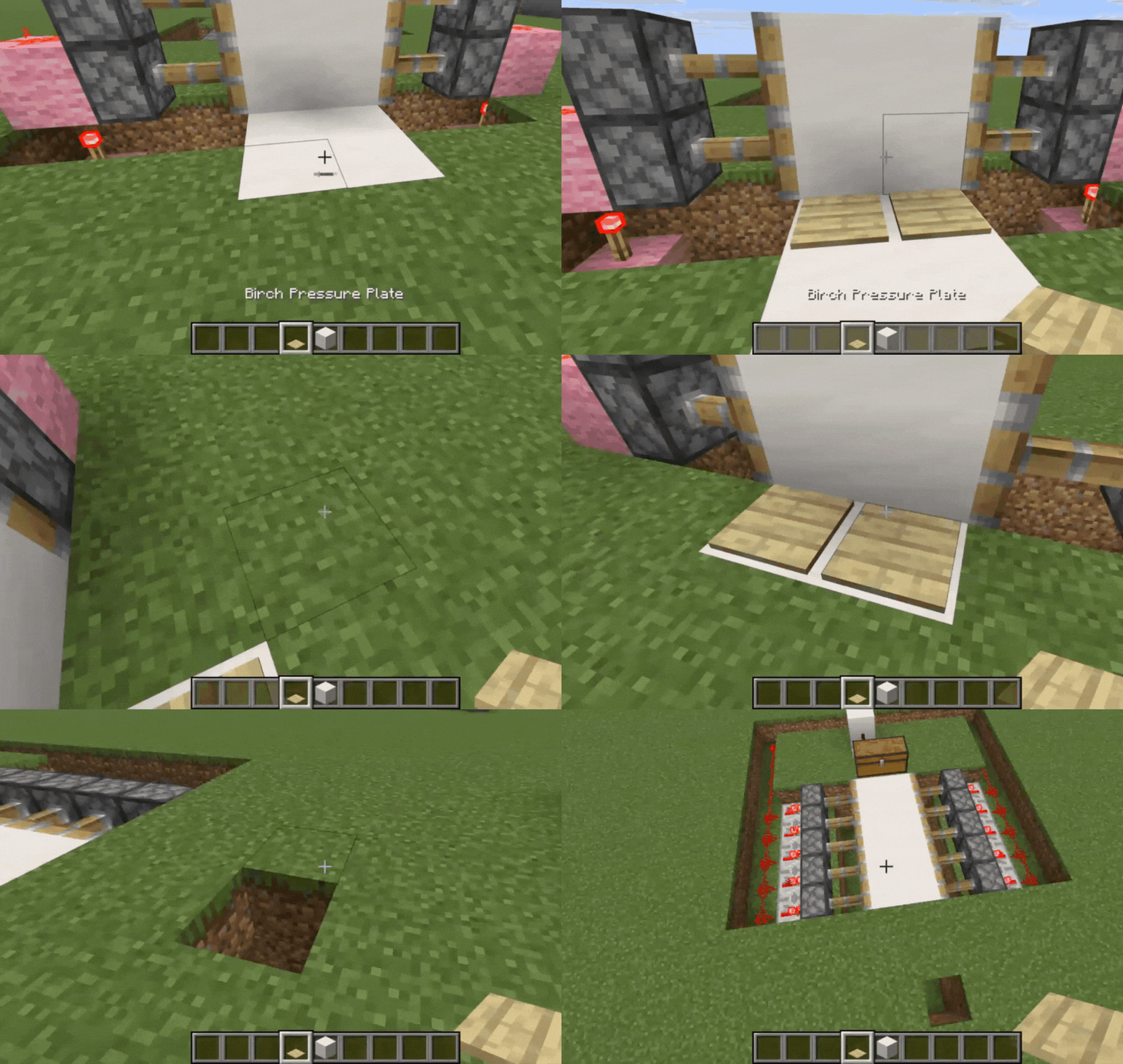
In this project, we show off different command blocks and exactly what they do, giving young coders a peek at some simple in-game coding. Simple Piston Door: Learn how to make a quick-and-easy simple piston door that opens when you step on pressure plates—an introduction to basic circuits. Trap Chest: Next, we show a sneaky trap chest that activates the moment you open it, demonstrating a basic Redstone trap mechanism. Secret Door: We also reveal a secret door that pops open with a lever, an example of a simple switch. Hidden Staircase: Finally, see a hidden staircase that appears when you flip a lever on the side, another great example of a compact Redstone design. These builds are a fantastic way for kids and families to learn how Redstone wiring, logic, and simple engineering concepts work inside the game!
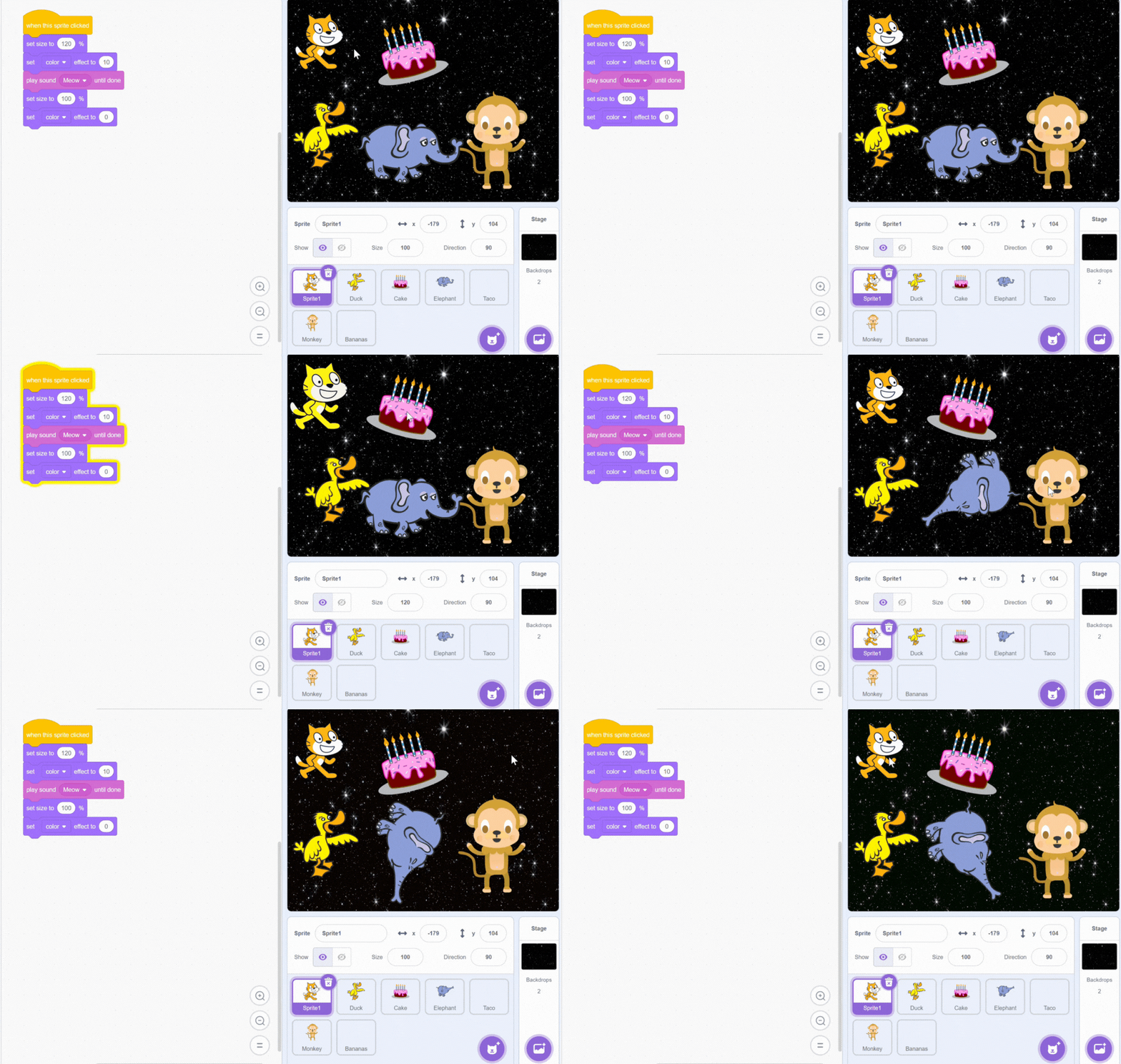
In this project students dive into how the sprites and sounds coding blocks work in Scratch. Students can create their own Animal circus show, this interactive experience works by clicking on the different sprites and the stage to trigger unique animations and sound effects created by the students using the coding blocks.
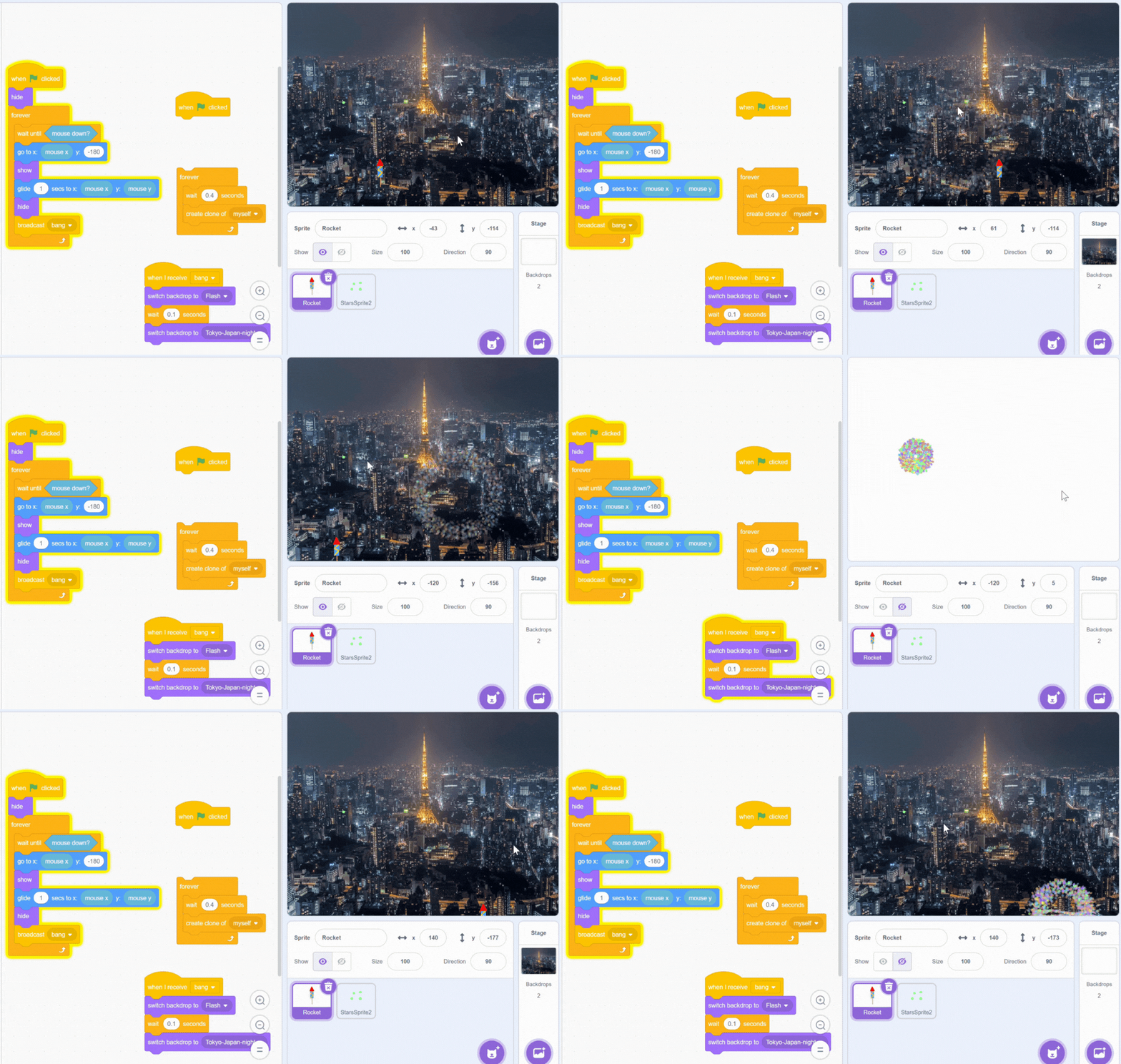
In this project students can become creative and design their own fireworks using the custom design tools in Scratch. Using various coding blocks and learning about clones and how they work in the Scratch code, students can alter the colors and speed of the fireworks and create a unique show! The Computer graphics created with this technique are known as “particle effects”.
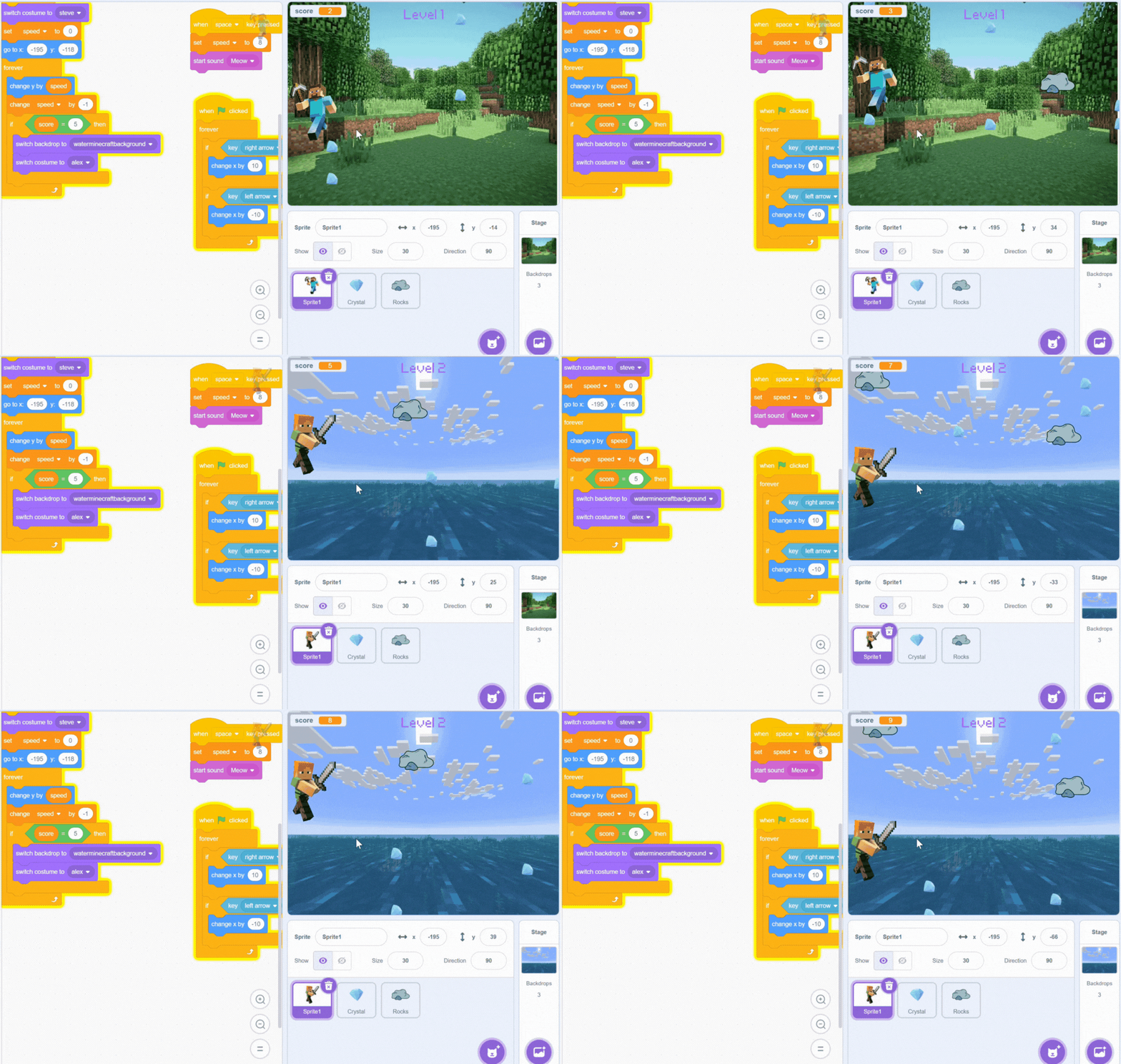
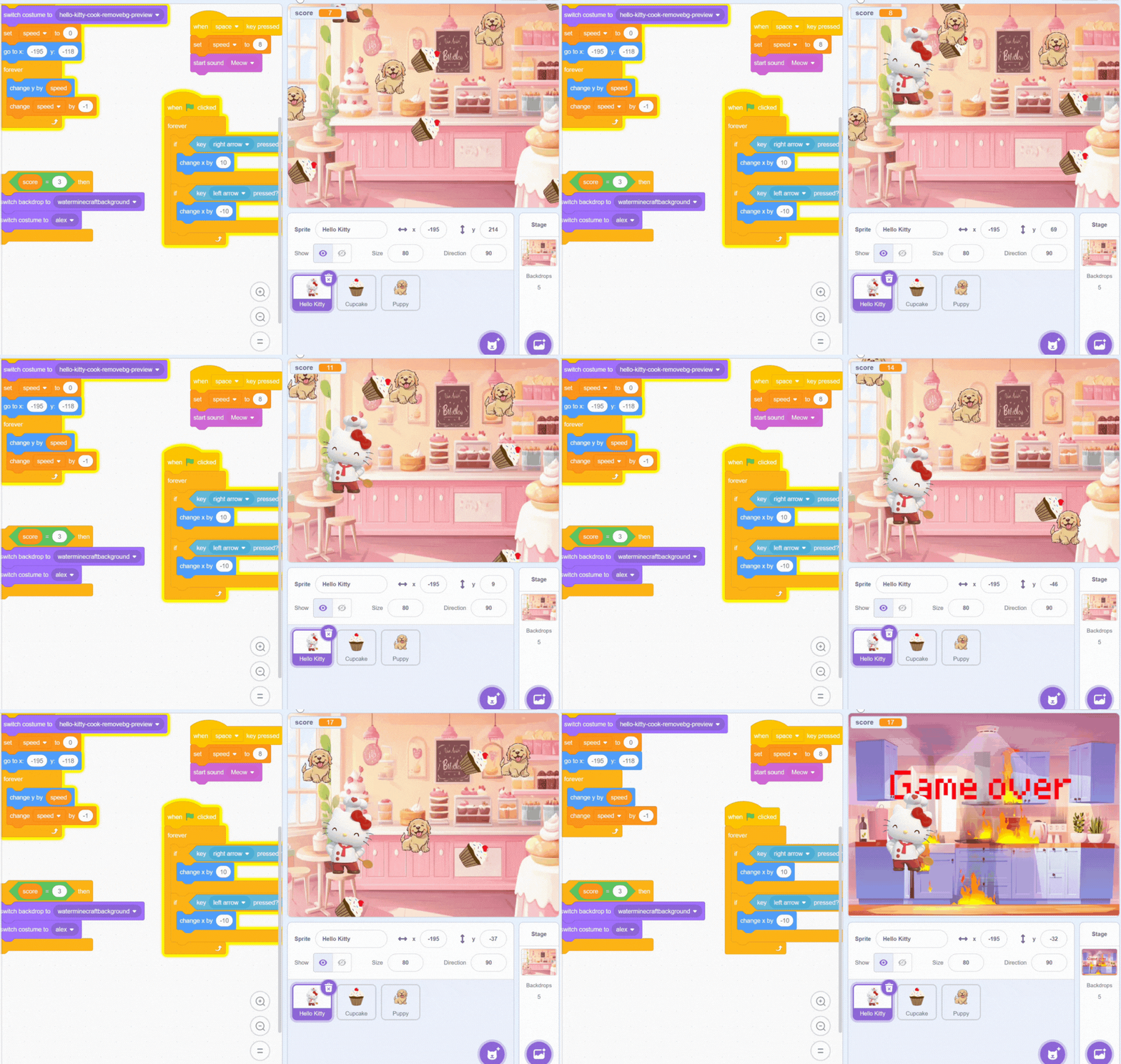
In this project, students learn the building blocks of game design in Scratch. Students create their own version of the popular Flappy Bird game using Scratch. The player controls their character by pressing the space bar to move up and down and using their arrow keys to move left and right, if no input is given, gravity pulls it down. The challenge is to guide their character through a series of obstacles (rocks) without touching them but to collect points by collecting other sprites. The more points they get they can then move onto the next level. This game is very customisable, students can decide the design of their character, background and also how the game can be built (example how to move onto the next level).
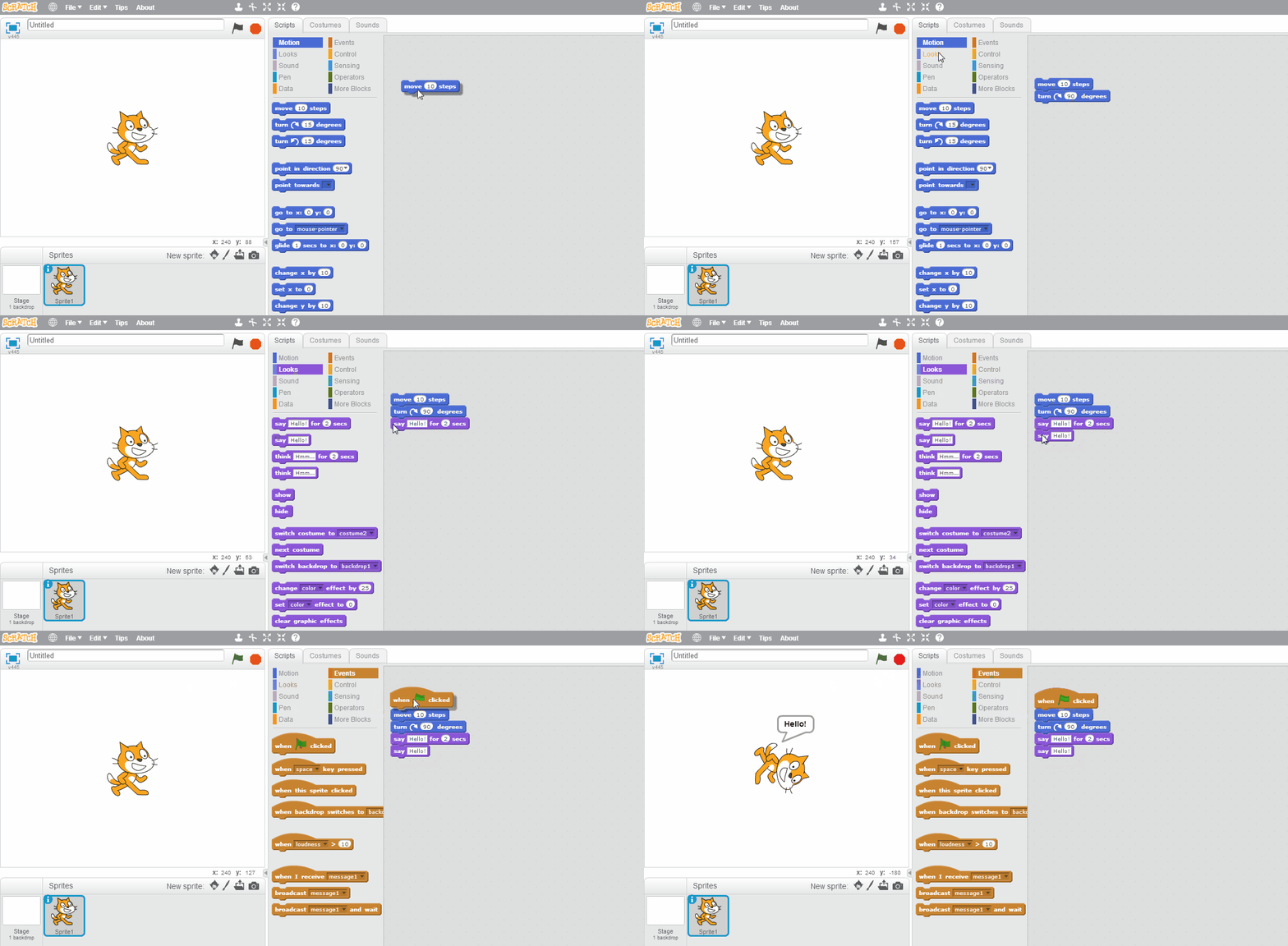
See how one student made their sprite say “Hello!” in Scratch.
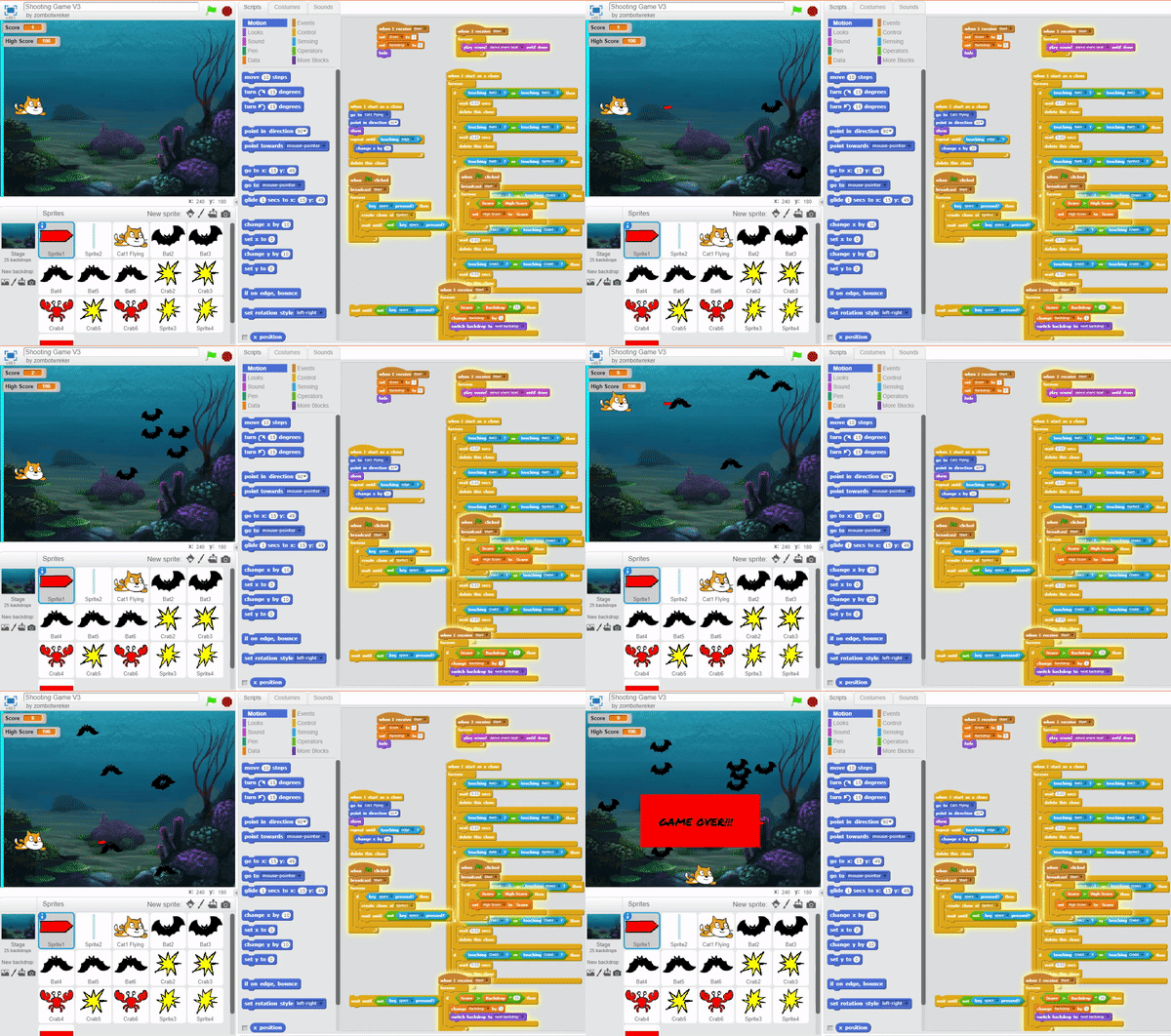
Check out how one student was able to create a simple shoot-em-up game in Scratch.
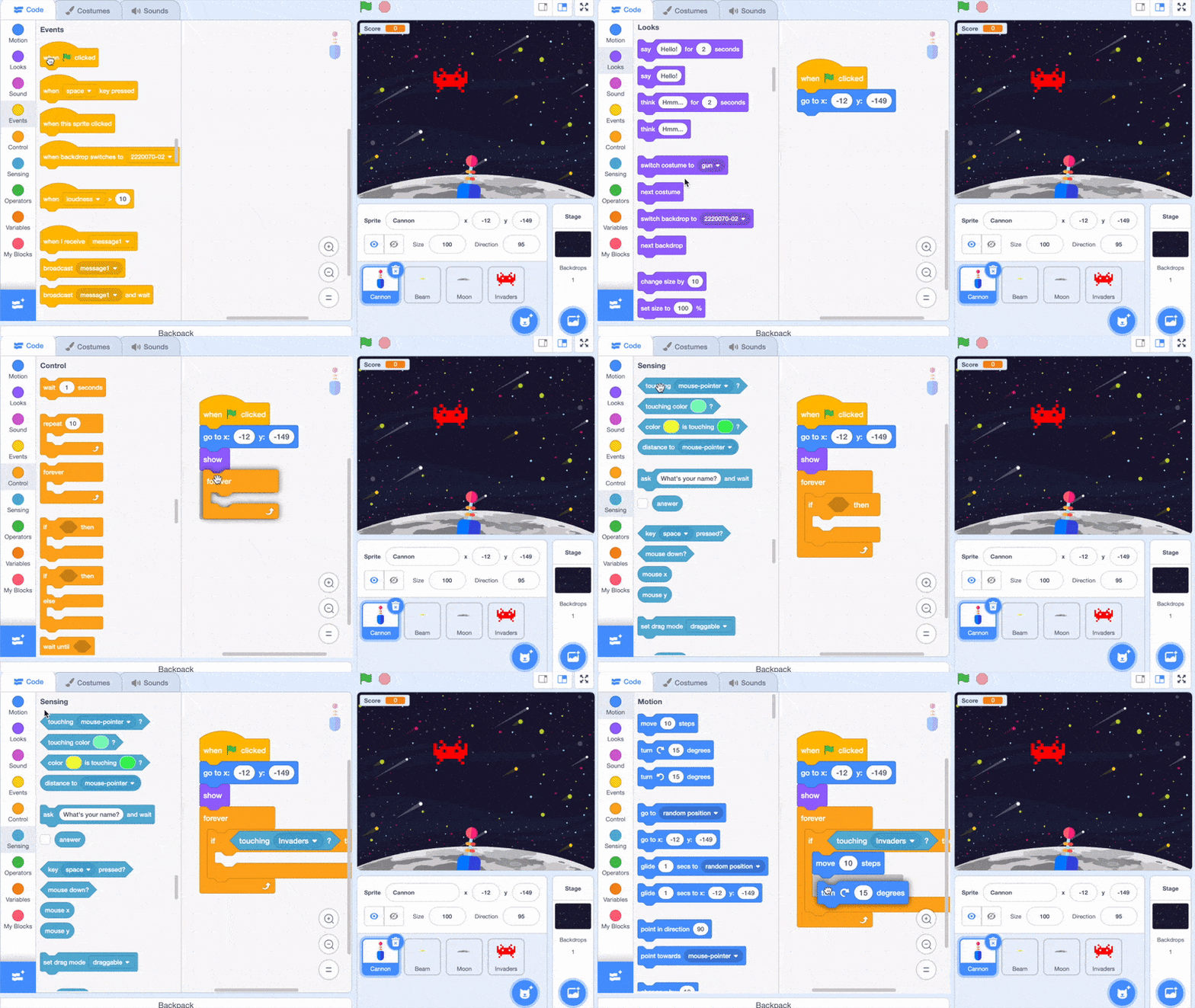
Space Invaders is a classic 1978 arcade game originally published in Japan. See how one student recreated it and brought to life using Scratch!
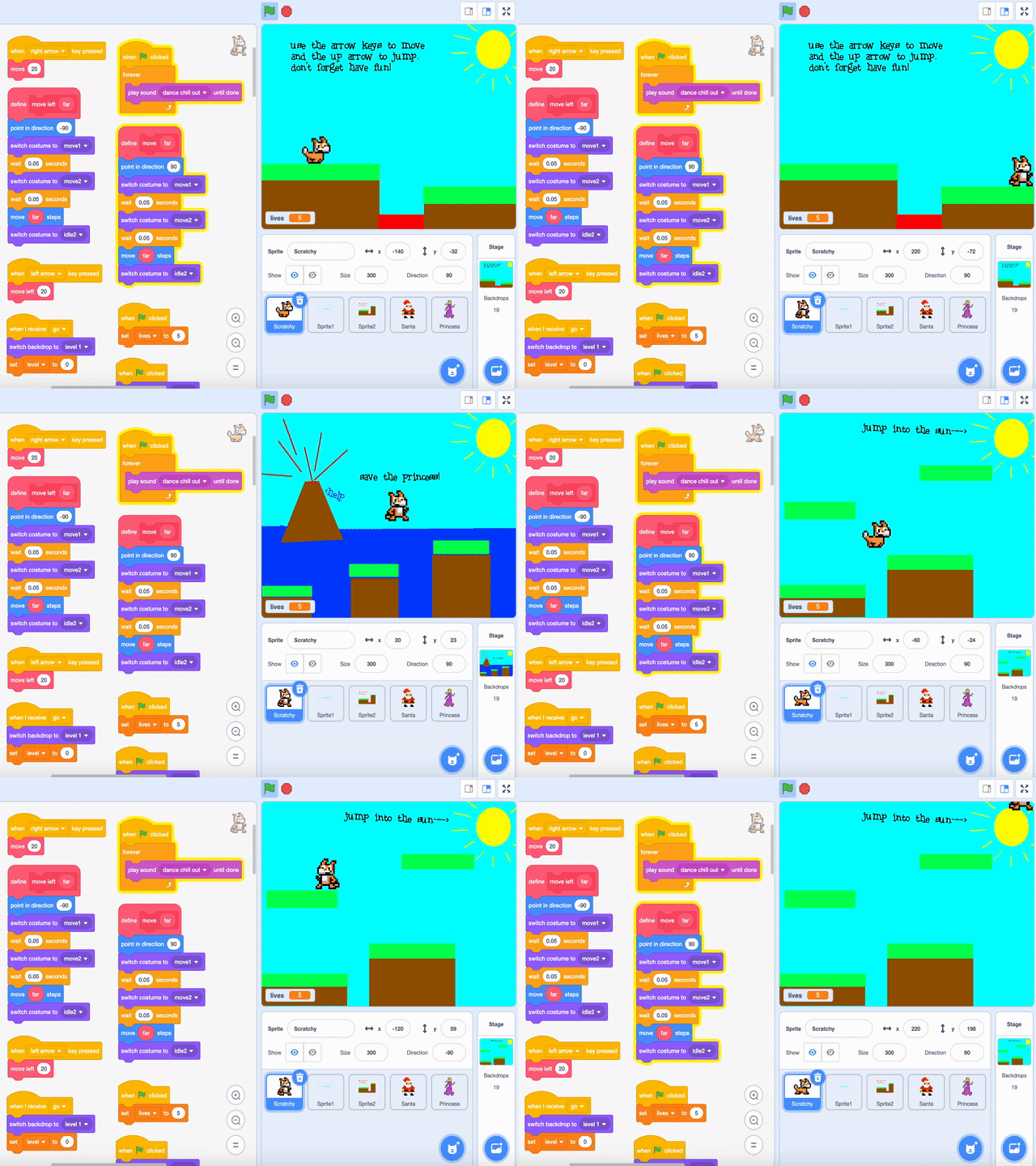
Did you know Scratch can be used to make a simple platformer game?
Tech Education
Community
Contact
Call us
Email us
Visit us
Tokyo Coding Club
Nishiazabu Center
Nishiazabu 3-24-17,
Hirose Building 3F
(above Family Mart)
Minato, Tokyo 106-0031
Tokyo Coding Club
Futako Tamagawa Center
1-9-3 Tamagawa
LIBERLA Futako B1F
Setagaya, Tokyo 158-0094
Want to stay updated with coding tips, new programs, events, and special offers? Fill in your email below to get our newsletter!
Tokyo Coding Club
© Copyright 2025 Tokyo Coding Club | All Rights Reserved | Terms of Use | Privacy Policy
Contact
Call us
Email us
Visit us
Tokyo Coding Club
Nishiazabu Center
Nishiazabu 3-24-17,
Hirose Building 3F
(above Family Mart)
Minato, Tokyo 106-0031
Tokyo Coding Club
Futako Tamagawa Center
1-9-3 Tamagawa
LIBERLA Futako B1F
Setagaya, Tokyo 158-0094
Tokyo Coding Club